Loading game
Game did not finish loading
 Home
Home About this game
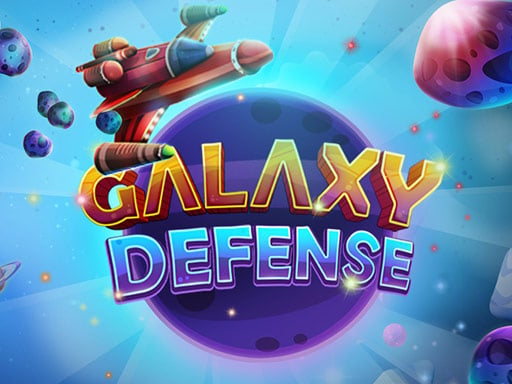
The main shield is constantly rotating around the spaceship in order to protect it. The purpose of the rotating shield into and thus damagi...
The main shield is constantly rotating around the spaceship in order to protect it. The purpose of the rotating shield into and thus damaging the spaceship. You can touch the screen to move the main shield. If the approaching meteor is at very high speed, touch and hold the screen to speed up the shield. You will have extra shields throughout the game. You will lose your extra shields as meteors hit them and your main shields will become defenceless. Not to worry as you will get extra shields with every new level passed. REMEMBER! Everytime you touch the screen, the shield will head for the opposite direction.
This game currently opens on its original source page. ZaZas uses this detail page as a clean landing surface for discovery, category browsing, and SEO-friendly game information.
Desktop: Action Mouse Left Button
Mobile: Touch controls may vary by game; open the game to view the latest controls.
Start the game from the player above, then follow the on-screen prompts from the game provider. For most browser games, a mouse, keyboard, or touch screen is enough. If the game does not respond, use the reload control on the play page or report the issue so it can be reviewed.
Galaxy Defense is listed on ZaZas as a free browser game. Some external titles may open on their original provider page.
Touch controls may vary by game; open the game to view the latest controls.
Use the feedback link below to report a broken game, wrong metadata, or inappropriate content for review.